Understanding Augmentative and Alternative Communication (AAC) Apps
Augmentative and Alternative Communication (AAC) apps have revolutionized the way individuals with communication barriers engage with the world. As technological tools, these apps are crafted to assist those who find verbal communication challenging, offering tailored solutions to cater to a variety of needs. The central aim of AAC apps is to facilitate more effective communication for individuals with speech or language impairments. As technology continues to evolve, so does the capability of AAC apps, presenting diverse functionalities and interfaces that enhance the communicative experiences of users.
Functionality of AAC Apps
The core functionality of AAC apps revolves around simplifying communication through alternative methods like symbols, text, and speech output. These tools become invaluable, especially for individuals dealing with conditions such as autism, cerebral palsy, or aphasia. By harnessing user-friendly interfaces, AAC apps empower users to select specific words or phrases, which are subsequently vocalized by the app. This mechanism transforms the way users interact, promoting an environment where communication is possible despite verbal challenges.
Core Features
AAC apps come equipped with several prominent features that enhance their usability.
Customizable Vocabulary: Most AAC apps offer the ability to customize vocabulary, allowing users to adapt the available language options to their personal preferences and daily communication needs. This ensures the tool remains relevant and efficient in various situations.
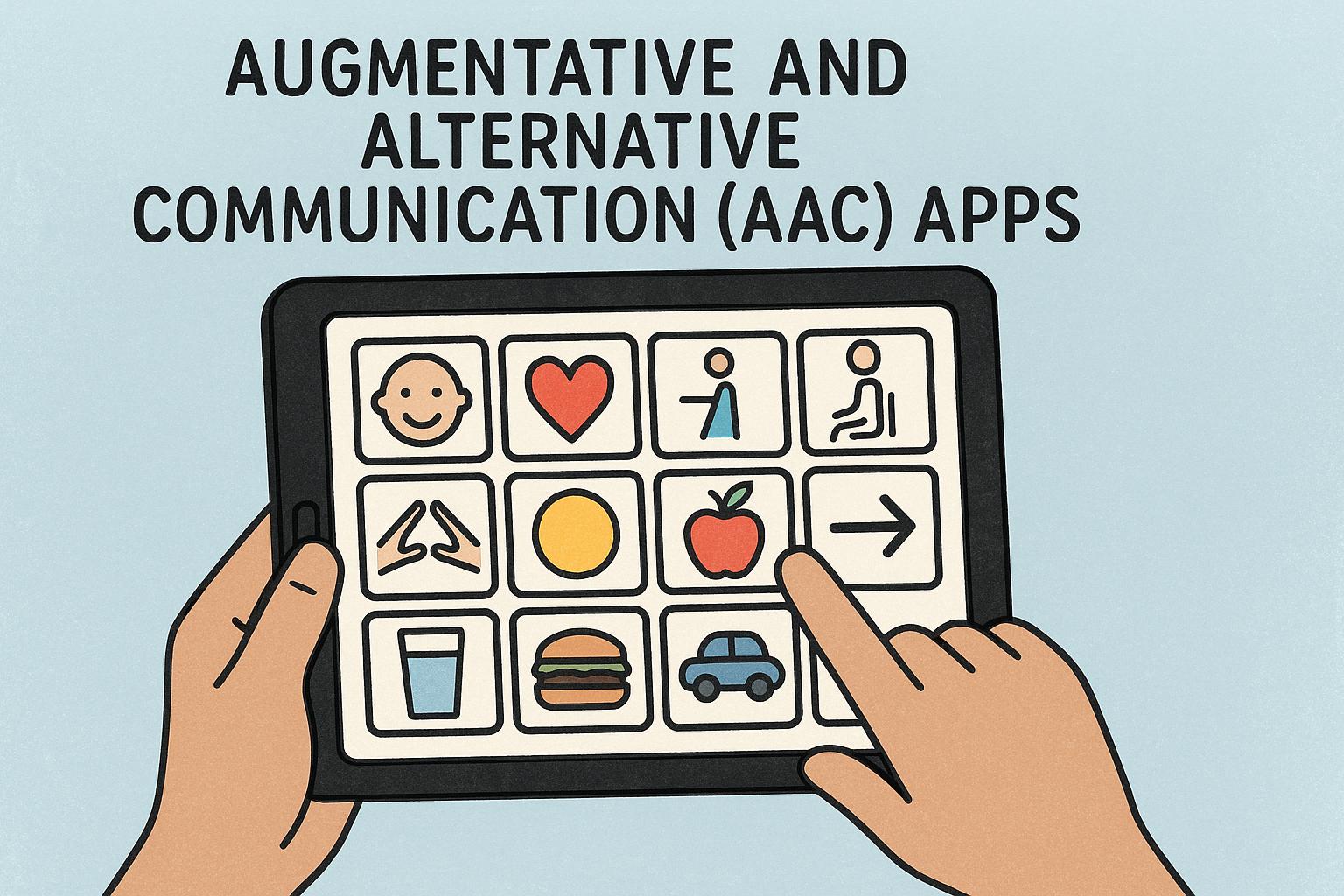
Visual Supports: Many apps incorporate symbols or images, assisting those who can interpret visual information more readily than text. Some applications provide an extensive selection of symbols, while others give users the flexibility to upload personal images, adding a personalized touch to the app.
Text-to-Speech Capabilities: Integral to many AAC apps is the text-to-speech feature, which converts written inputs into spoken words. This is especially beneficial for users unable to produce verbal speech but who desire to have their messages heard by others.
Types of AAC Apps
The variety within AAC apps is substantial, each designed to satisfy specific communication requirements and personal preferences regarding technology usage:
Symbol-Based AAC Apps
Symbol-based AAC apps emphasize non-textual communication strategies. They are characterized by the use of pictures, symbols, or icons to facilitate message creation. Users can combine these visual components to form complex sentences or express their thoughts more effectively. These apps often provide cross-platform compatibility, being accessible on both iOS and Android devices.
Text-Based AAC Apps
These apps target individuals who have literacy skills but encounter speech challenges. Text-based AAC apps allow users to type their messages, which the app subsequently articulates aloud. Tools like word prediction and auto-completion enhance communication speed, making these apps ideal for users who lean towards text-based communication methods.
Specialized AAC Apps
There are AAC apps specifically tailored for particular populations or conditions. For instance, some apps are geared toward individuals with autism, incorporating features like social stories or visual scenes that address the unique communication challenges faced by this group. These specialized apps provide targeted support to meet specific needs.
Considerations for Choosing AAC Apps
Choosing the right AAC app involves careful consideration of several factors:
Cost: While some AAC apps are available for free, others may require a one-time fee or a subscription. It is crucial to weigh the cost against the app’s functionality to ensure it aligns with the user’s needs and budget.
User Interface: The app should possess an interface that is navigable and intuitive for the user. Ideally, the complexity of the interface should be in harmony with the user’s cognitive capabilities, ensuring it is accessible and easy to use.
Support and Updates: Regular app updates and reliable customer support can significantly enhance the app’s effectiveness. Apps that benefit from frequent updates are more likely to incorporate new technologies and user feedback, maintaining their relevance and utility.
Exploring Resources
For those exploring AAC apps, resources like CALL Scotland offer a wealth of information on communication aids and assistive technologies. Consulting with specialists, such as speech-language pathologists, can provide valuable insights into choosing an AAC app that meets a user’s specific communication requirements.
AAC apps stand at the forefront of assistive technology, opening new avenues for communication for individuals with speech and language impairments. By addressing a spectrum of user needs and capitalizing on advanced technologies, these apps continue to break down communication barriers, empowering users with greater autonomy in expressing themselves.